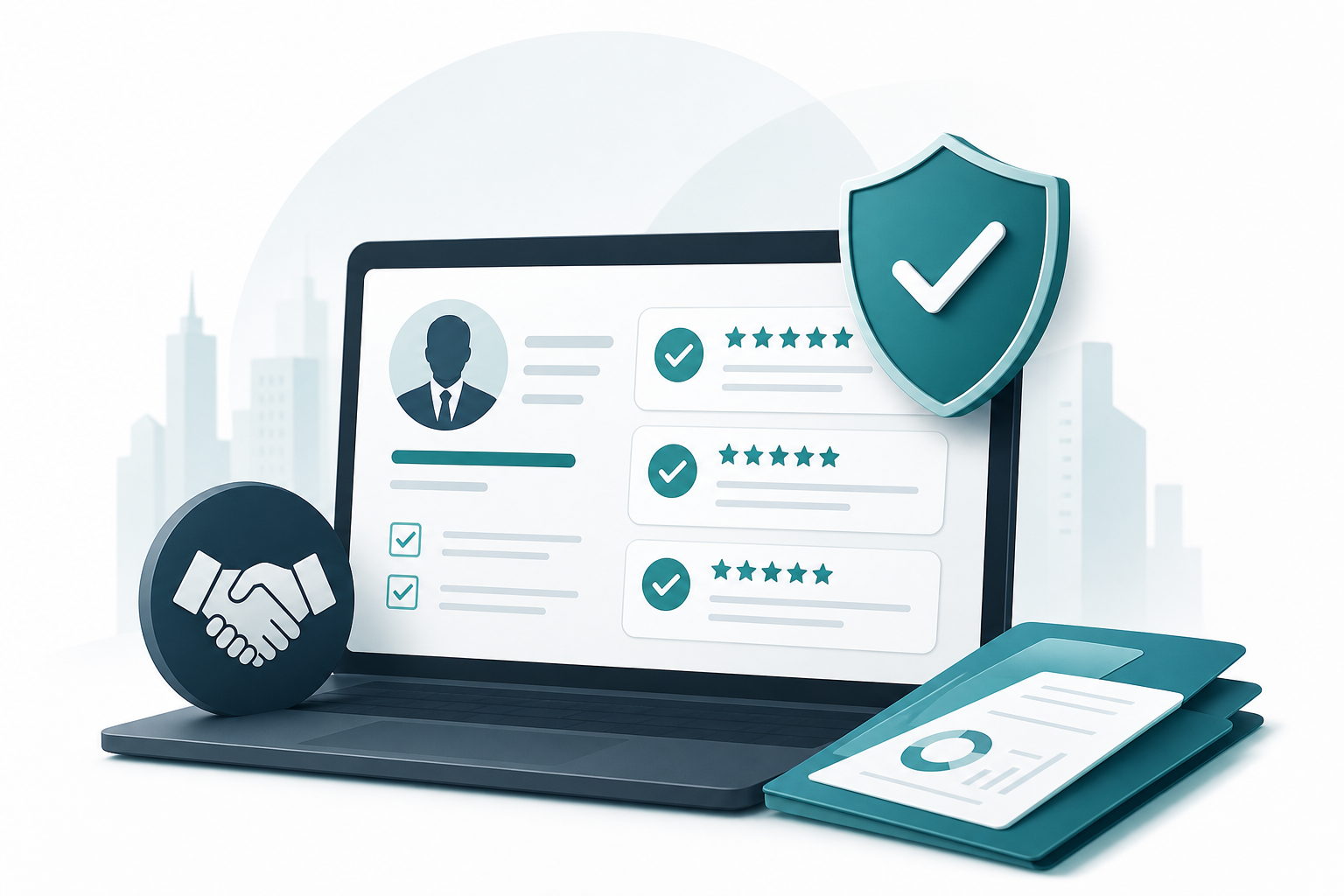
A lender profile can show prospective counterparties your products, markets, and available reviews. Review the public listing for accuracy before requesting ownership or sharing it with a client.
Find your existing profile
Browse the public directory preview and search for your business. Full directory access requires an approved account. If no listing is available, use the Get Listed page to start.
Request access to an existing profile
Sign in with an approved account and open the relevant profile. The claim form asks for your role, work email, and evidence of your connection to the business. A curator reviews the request; submitting it does not immediately transfer ownership.
Check and update the details
- Confirm the legal business name, contact information, and locations served.
- Describe loan products, property types, and typical deal sizes accurately.
- Review any stated rates or timelines and update them when terms change.
- Identify which claims are self-reported and which have independent support.
Profile edits and access requests may require curator approval. If a listing belongs to another business or you cannot access it, contact LendLedger with the relevant details.
Reviews and ongoing maintenance
Reviews can add context about a completed transaction, but they do not guarantee future performance. Invite counterparties to describe their own experience honestly and avoid asking for a particular rating. Revisit your profile after material changes to products, coverage, or contacts.
Frequently asked questions
What does it mean to claim a lender profile online?
Claiming a profile means requesting access to manage an existing listing. LendLedger asks for your role, work email, and evidence of your connection to the business before curator review.
Who can claim a profile on LenderLedger?
Profile claiming is available to direct lenders, real estate operators, and brokers who source, fund, or broker private lending deals. The directory is segmented by role, so your profile appears in the correct search category for counterparties looking for your specific type of participant.
Do I need an account to search the directory before claiming?
You can browse a public directory preview without an account. Full directory details and claim requests require an approved account.
How long does profile verification take?
Review time varies with the request and supporting information. Submit accurate business details and respond to any follow-up questions.
How do I get reviews on my profile?
After a completed transaction, invite a counterparty to share an honest account of their experience. Do not ask for a particular rating or imply that a review is required.
Can I claim a profile if my company is already listed?
Search for your business first. If a listing exists, request access from its profile. A curator reviews the connection before approving a claim.
What makes a LenderLedger profile more credible than a self-reported listing elsewhere?
A profile can include both business-provided information and reviews. Check what each field represents and keep your own listing current; a profile alone does not prove future performance.